
Watch Complications
Add VivaDicta to your watch face for quick access to recording.
VivaDicta supports all types of Apple Watch complications, giving you quick access to the app right from your watch face. Tap the complication to open VivaDicta and start recording.
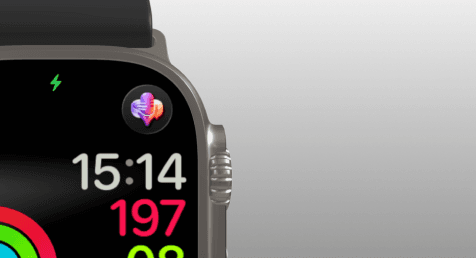
Adding a Complication
- Long-press on your watch face to enter edit mode.
- Tap Edit.
- Swipe to the complications screen.
- Tap the complication slot where you want to place VivaDicta.
- Scroll through the list and select VivaDicta.
- Press the Digital Crown to save.
Supported Complication Types
VivaDicta provides complications for all available families:
- Circular - small round icon on Infograph and other modular faces.
- Corner - fits in the corner slots of Infograph and similar faces.
- Rectangular - wider complication shown on Modular Compact and similar faces.
- Inline - text-based complication for faces with inline slots.
All complications launch VivaDicta when tapped, so you can start recording with a single tap from your watch face.
For more details on managing watch face complications, see the Apple Watch User Guide.