Dictate Anywhere
Transform speech into perfectly polished text with AI. One-time purchase, endlessly flexible, and private by design. Works system-wide in any app on your Mac.
100+ Languages
Multiple AI Models
7-Day Free Trial
Transform speech into perfectly polished text with AI. One-time purchase, endlessly flexible, and private by design. Works system-wide in any app on your Mac.
VivaDicta works system-wide — dictate into any app where you can type.






Your natural speech transformed into polished, professional text — instantly.
"hey um so I wanted to talk about the project update and like we finished the main feature this week and also fixed some bugs and uh the feedback has been really good so far let me know if you have questions"
Hey! Quick update on the project: we finished the main feature this week and fixed several bugs. The feedback has been really positive so far. Let me know if you have any questions!
Press a hotkey, speak naturally, and VivaDicta transcribes, enhances, and pastes the result right where your cursor is — in any app.
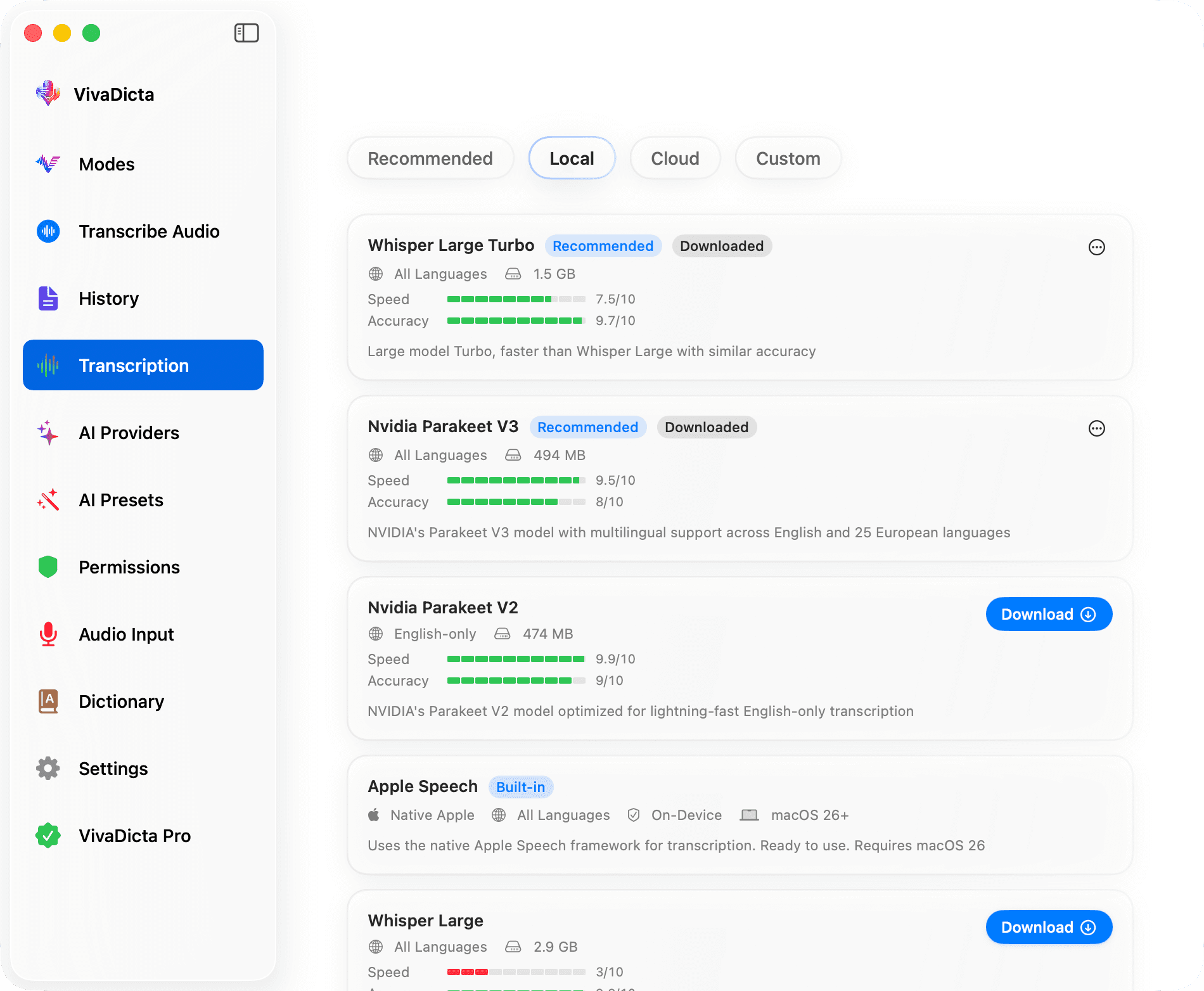
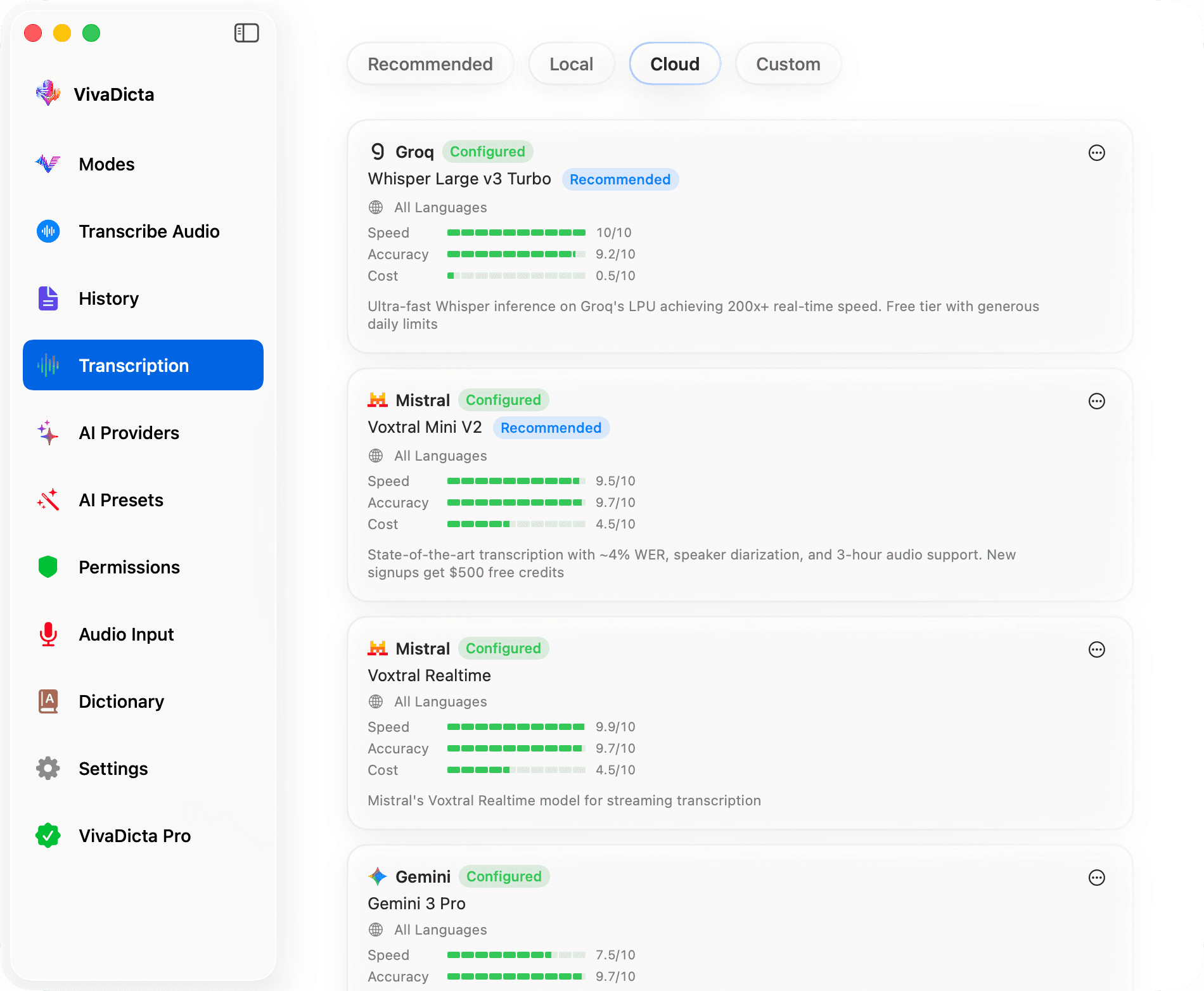
Choose from local on-device models or cloud services. Whisper, Nvidia Parakeet, Apple Speech for privacy — or Groq, Mistral, Gemini for speed and accuracy.
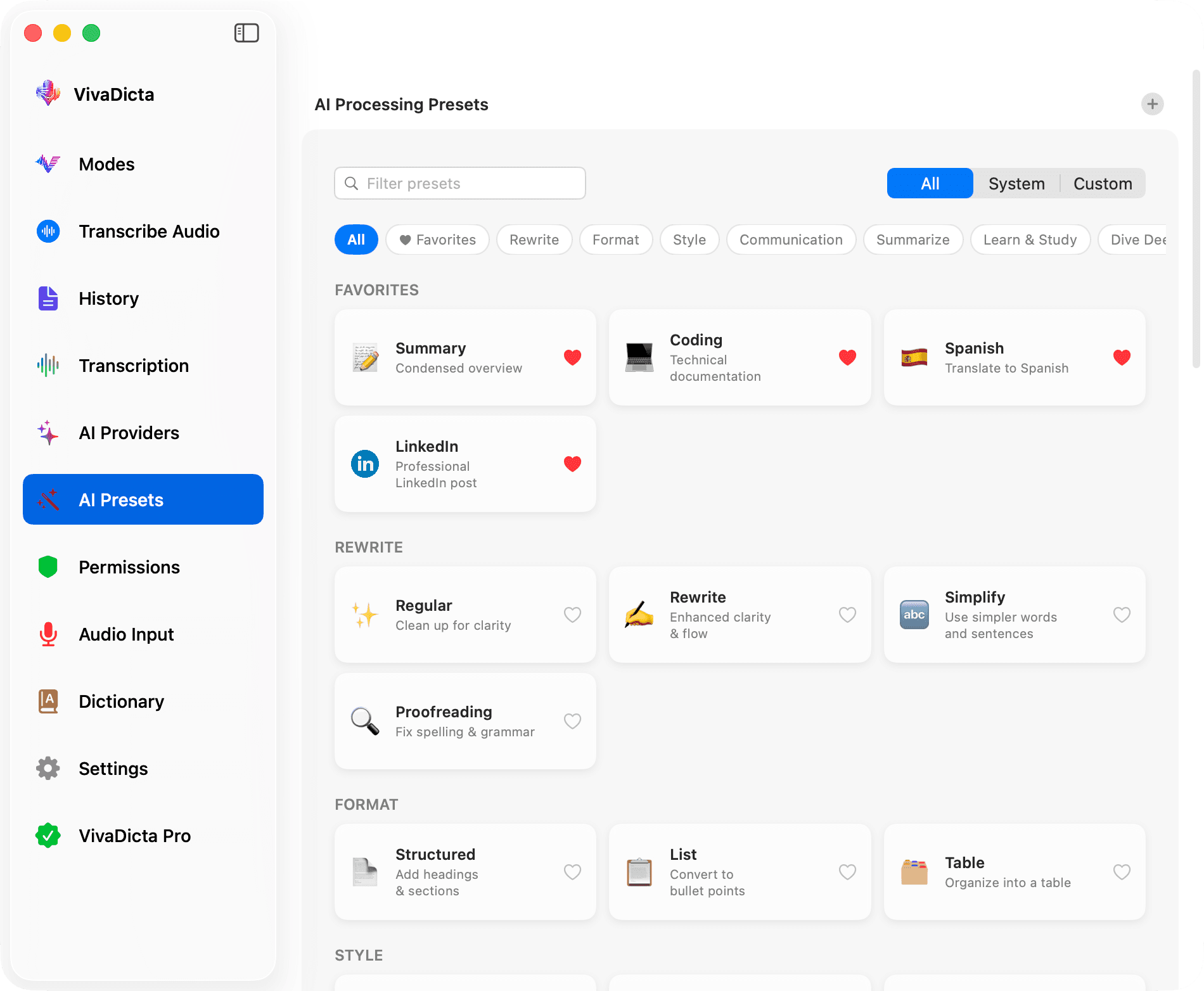
39 built-in presets across 10 categories — summarize, translate, rewrite, format, style, social media, study notes, and more. Create custom presets for your specific needs.
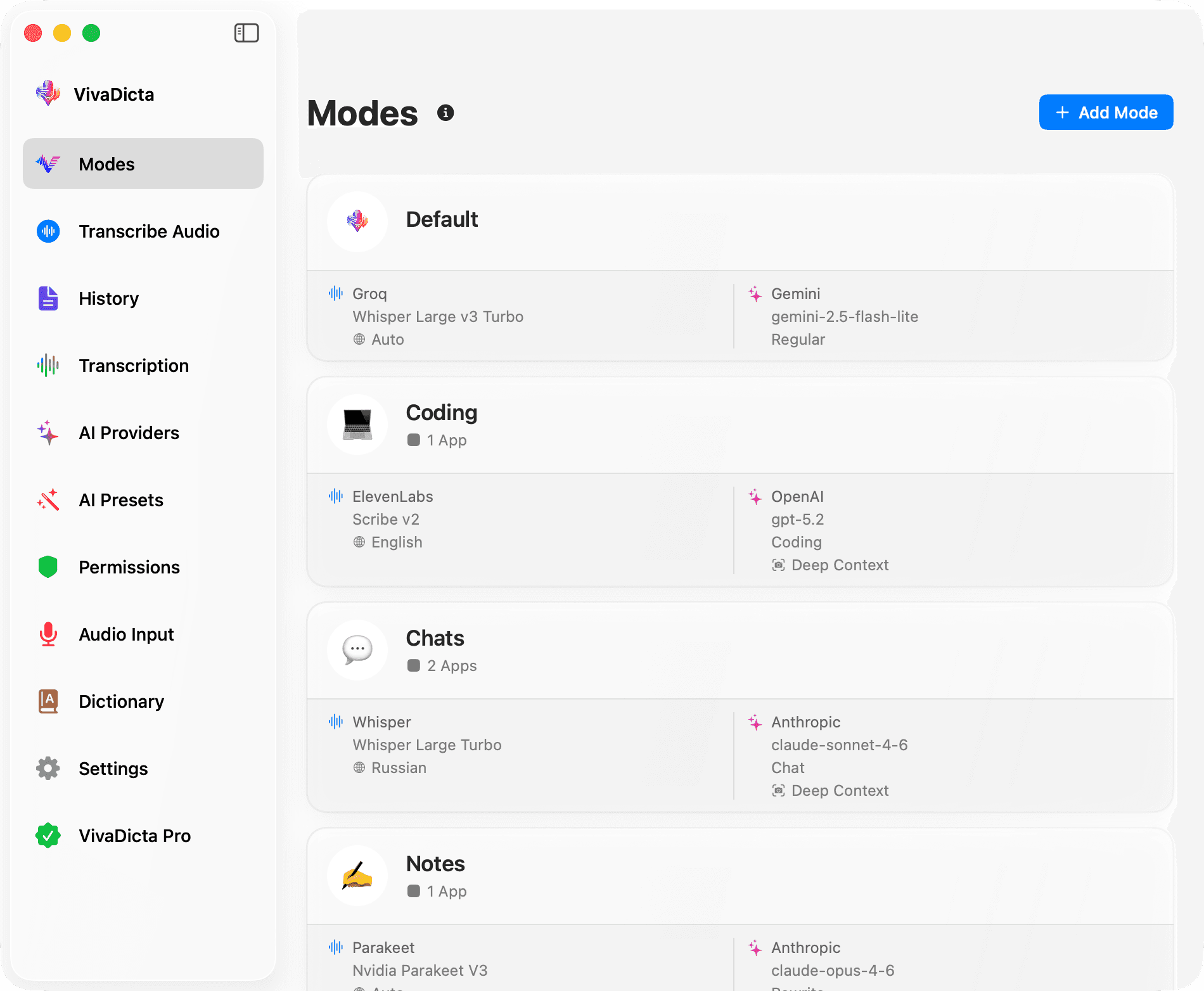
Viva Modes automatically switch your transcription model, AI provider, and preset based on the active app — or even the website you're browsing. Email mode in Mail, coding mode in VS Code, chat mode in Slack, a custom mode for specific URLs — all automatic.
Select any text and ask a question about it — the AI Assistant replaces it with a detailed answer. Fact-check, explain, elaborate, or get a second opinion without leaving your workflow.
Select text, speak an instruction, and the AI Assistant applies it instantly. Add emoji to each line, reformat a list, change tone — just say what you need and the text is updated in place.
Speak in one language, get polished text in another — instantly. Dictate in English and receive the output in Spanish, or speak Russian and get Japanese. AI-powered translation across 100+ languages, built right into your workflow.
Switch between AI-powered modes optimized for different contexts. Each mode auto-configures your transcription model, AI provider, and preset — based on the active app, the website you're browsing, or your manual selection.
"hey john can you send me the report by friday thanks"
Hi John, Could you please send me the report by Friday? Best regards, Emily
AI that understands what you're working on. VivaDicta can optionally capture context from your screen, clipboard, and selected text — so every enhancement is relevant and accurate. Each source is off by default and fully opt-in.
Reads on-screen text using Apple Vision — AI sees what you see
Uses your clipboard content as additional context for AI
Captures highlighted text so AI understands exactly what you mean
100% private — no images are sent, only recognized text. Works per-mode, so you control when context is used.
Teach VivaDicta your vocabulary. Add names, technical terms, and shortcuts for perfectly accurate transcriptions every time.
Add industry terms, names, and words the AI should recognize and spell correctly.
Create shortcuts and auto-replacements to speed up your workflow.
Try VivaDicta free for 7 days. No credit card required.

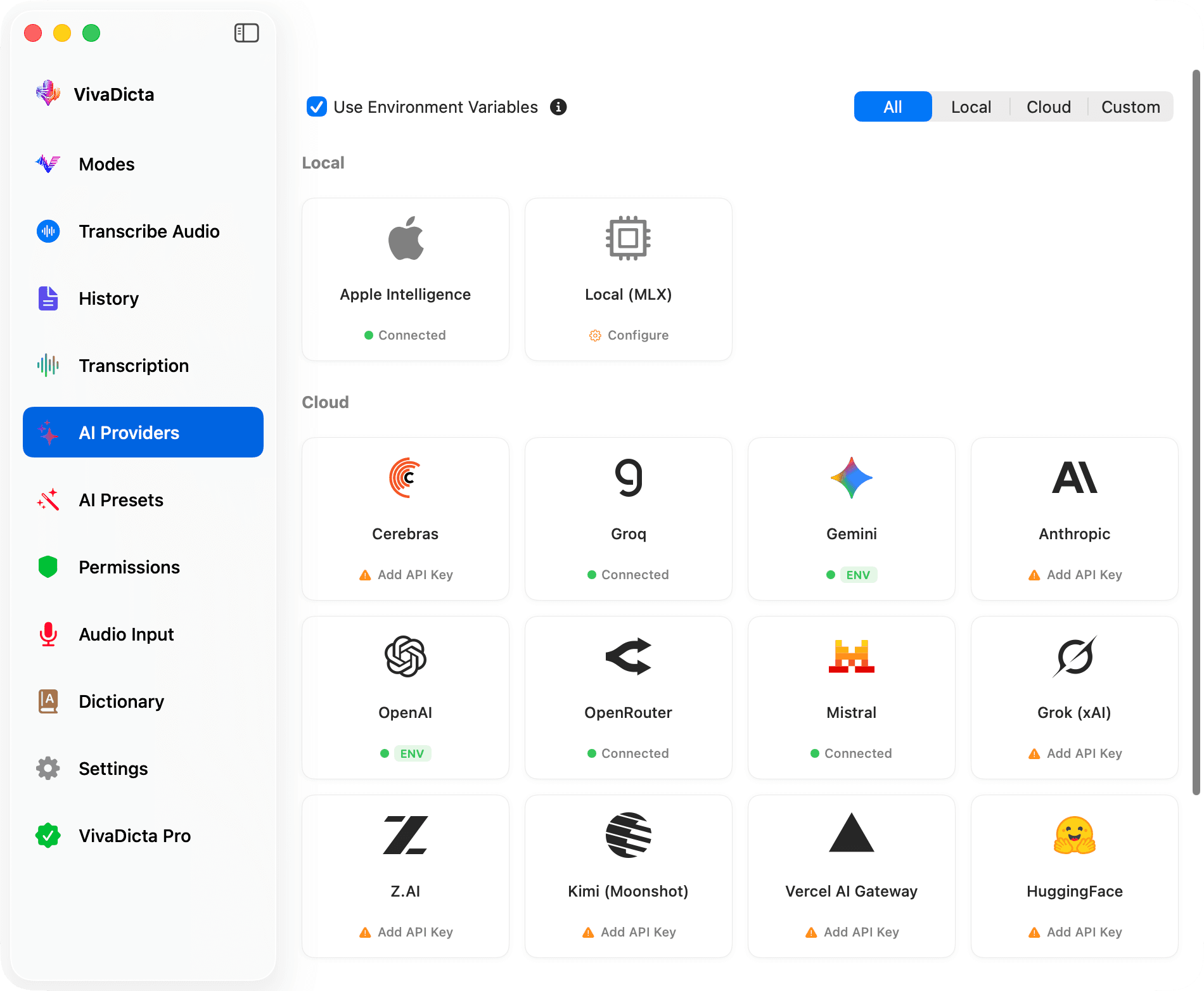
Mix and match AI providers to fit your workflow. Use free on-device models like Apple Intelligence and MLX (Apple's machine learning framework optimized for Apple Silicon), connect your own API keys for cloud power, or combine both — it's all up to you.
Pay once, use forever. No subscriptions, no recurring fees. Choose the plan that fits the number of Macs you use.
Requires macOS 14.4 or later
14-day money-back guarantee, no questions asked
Everything you need to know about VivaDicta for Mac.
Still have questions? Reach out to us at support@vivadicta.com
Have questions, feedback, or feature requests? We'd love to hear from you.